# [Django Theme Pixel](https://appseed.us/product/pixel-bootstrap/django/)
Modern Theme for **Django** that covers authentication pages (registration included) crafted on top of **[Pixel BS5](https://appseed.us/product/pixel-bootstrap/django/)**, an open-source `Bootstrap` design from `Themesberg`.
> Actively supported by [AppSeed](https://appseed.us/) via `Email` and `Discord`.
<br>
**Links & Resources**
- [Django Pixel Bootstrap 5](https://appseed.us/product/pixel-bootstrap/django/) - `Product page`
- `Features`: Fully-configured, `CI/CD` via Render
- UI Kit: `Pixel Lite` (Bootstrap 5) by Themesberg
- **Sections Covered**:
- `All pages` managed by `Django.contrib.AUTH`
- `Registration` page
- `Misc pages`: colors, icons, typography, blank-page
<br />
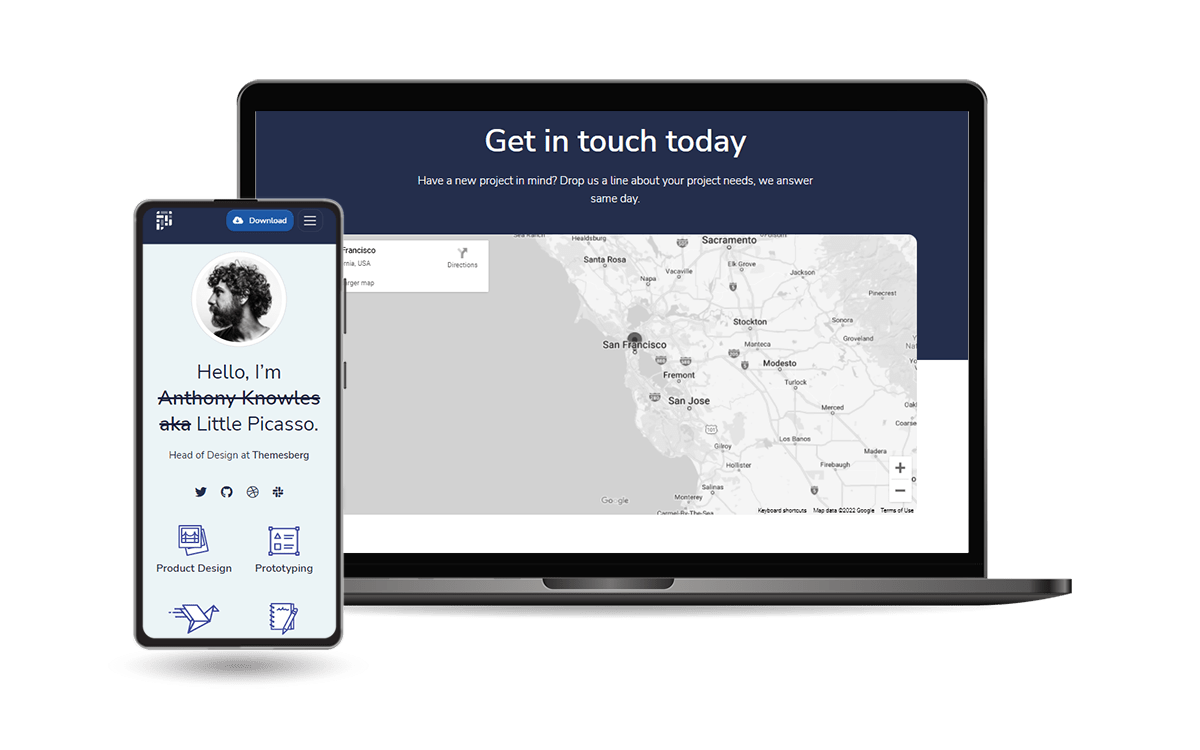
<br />
## Why `Django Pixel Lite`
- Modern [Bootstrap 5](https://www.admin-dashboards.com/bootstrap-5-templates/) Design
- `Minimal Template` overriding
- `Easy integration`
- Fully compatible with `Django.contrib.AUTH`
- `Registration` page included
<br />
## How to use it
<br />
> **Install the package** via `PIP`
```bash
$ pip install django-theme-pixel
// OR
$ pip install git+https://github.com/app-generator/django-theme-pixel.git
```
<br />
> Add `theme_pixel` application to the `INSTALLED_APPS` setting of your Django project `settings.py`:
```python
INSTALLED_APPS = [
"django.contrib.admin",
"django.contrib.auth",
"django.contrib.contenttypes",
"django.contrib.sessions",
"django.contrib.messages",
"django.contrib.staticfiles",
'theme_pixel', # <-- NEW
]
```
<br />
> Update project `settings.py` file to include (at the end of the file):
```python
LOGIN_REDIRECT_URL = '/'
EMAIL_BACKEND = 'django.core.mail.backends.console.EmailBackend'
```
<br />
> Add `theme_pixel` urls in your Django Project `urls.py` file.
```python
from django.urls import path, include # <-- UPD with 'include' directive
urlpatterns = [
...
path('', include('theme_pixel.urls')), # <-- NEW
]
```
<br />
> **Collect static** if you are in `production environment`:
```bash
$ python manage.py collectstatic
```
<br />
> **Start the app**
```bash
$ # Set up the database
$ python manage.py makemigrations
$ python manage.py migrate
$
$ # Create the superuser
$ python manage.py createsuperuser
$
$ # Start the application (development mode)
$ python manage.py runserver # default port 8000
```
<br />
## How to Customize
When a template file is loaded, `Django` scans all template directories starting from the ones defined by the user, and returns the first match or an error in case the template is not found.
The theme used to style this starter provides the following files:
```bash
# This exists in ENV: LIB/theme_pixel
< UI_LIBRARY_ROOT >
|
|-- templates/ # Root Templates Folder
| |
| |-- accounts/
| | |-- sign-in.html # Sign IN Page
| | |-- sign-up.html # Sign UP Page
| |
| |-- includes/
| | |-- footer.html # Footer component
| | |-- navigation.html # Navigation Bar
| | |-- scripts.html # Scripts Component
| |
| |-- layouts/
| | |-- base.html # Masterpage
| |
| |-- pages/
| |-- index.html # Dashboard Page
| |-- about.html # About Page
| |-- *.html # All other pages
|
|-- ************************************************************************
```
When the project requires customization, we need to copy the original file that needs an update (from the virtual environment) and place it in the template folder using the same path.
For instance, if we want to customize the `index.html` these are the steps:
- `Step 1`: create the `templates` DIRECTORY inside your app
- `Step 2`: configure the project to use this new template directory
- Edit `settings.py` TEMPLATES section
- `Step 3`: copy the `index.html` from the original location (inside your ENV) and save it to the `YOUR_APP/templates` DIR
- Source PATH: `<YOUR_ENV>/LIB/theme_pixel/templates/pages/index.html`
- Destination PATH: `YOUR_APP/templates/pages/index.html`
- Edit the `index.html` (Destination PATH)
At this point, the default version of the `index.html` shipped in the library is ignored by Django.
In a similar way, all other files and components can be customized easily.
<br />
## [PRO Version](https://appseed.us/product/pixel-bootstrap-pro/django)
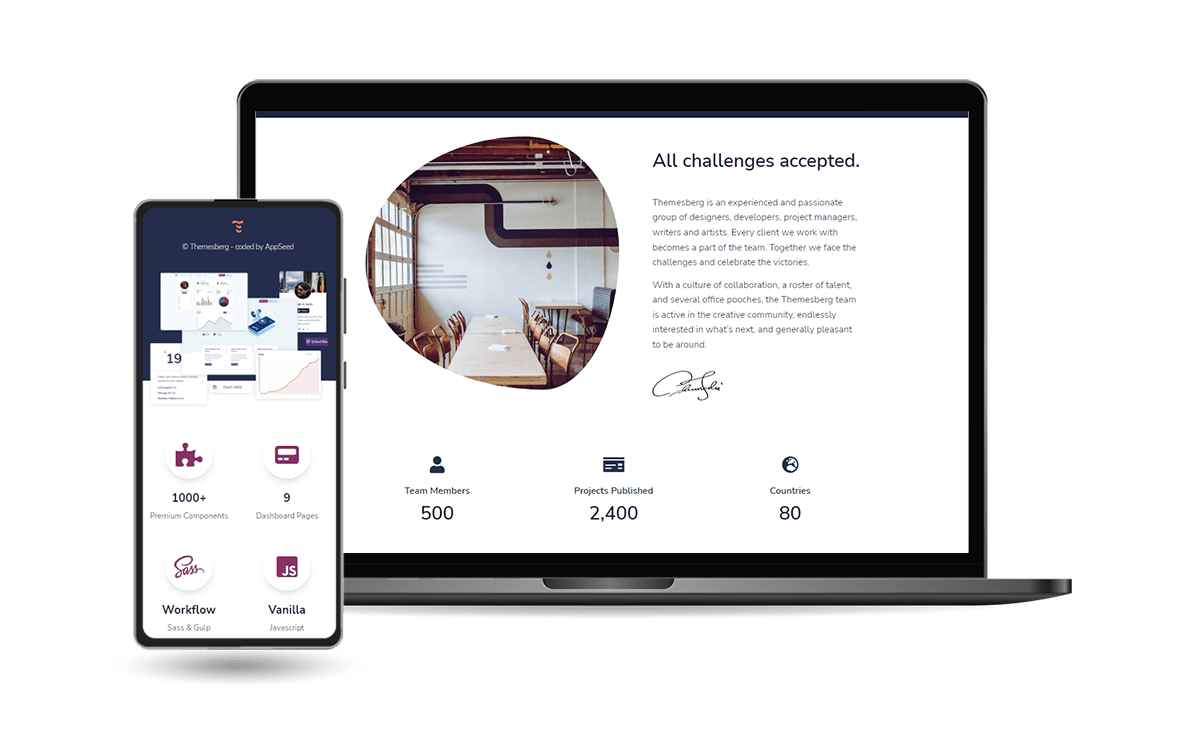
Seed project powered by **Django** Framework on top of **Pixel PRO** design. `Pixel` is a premium [Bootstrap 5](https://www.admin-dashboards.com/bootstrap-5-templates/) UI Kit featuring over 200 fully coded UI elements and example pages that will help you prototype and build a website for your next project.
<br />
---
**[Django Theme Pixel](https://appseed.us/product/pixel-bootstrap/django/)** - Modern Theme provided by **[AppSeed](https://appseed.us/)**




