# Createnv
[]()
[](https://pypi.org/project/createnv/)
[](https://pypi.org/project/createnv/)
A simple CLI to create `.env` files.
## Motivation
I use `.env` file to decouple configuration from application in many projects, and I see that many newcomers might struggle in creating this file.
Thus, I created this package to offer a better user interface for creating configuration files in the format of `.env`.
## Example
Using the sample `.env.sample` in this repository:
[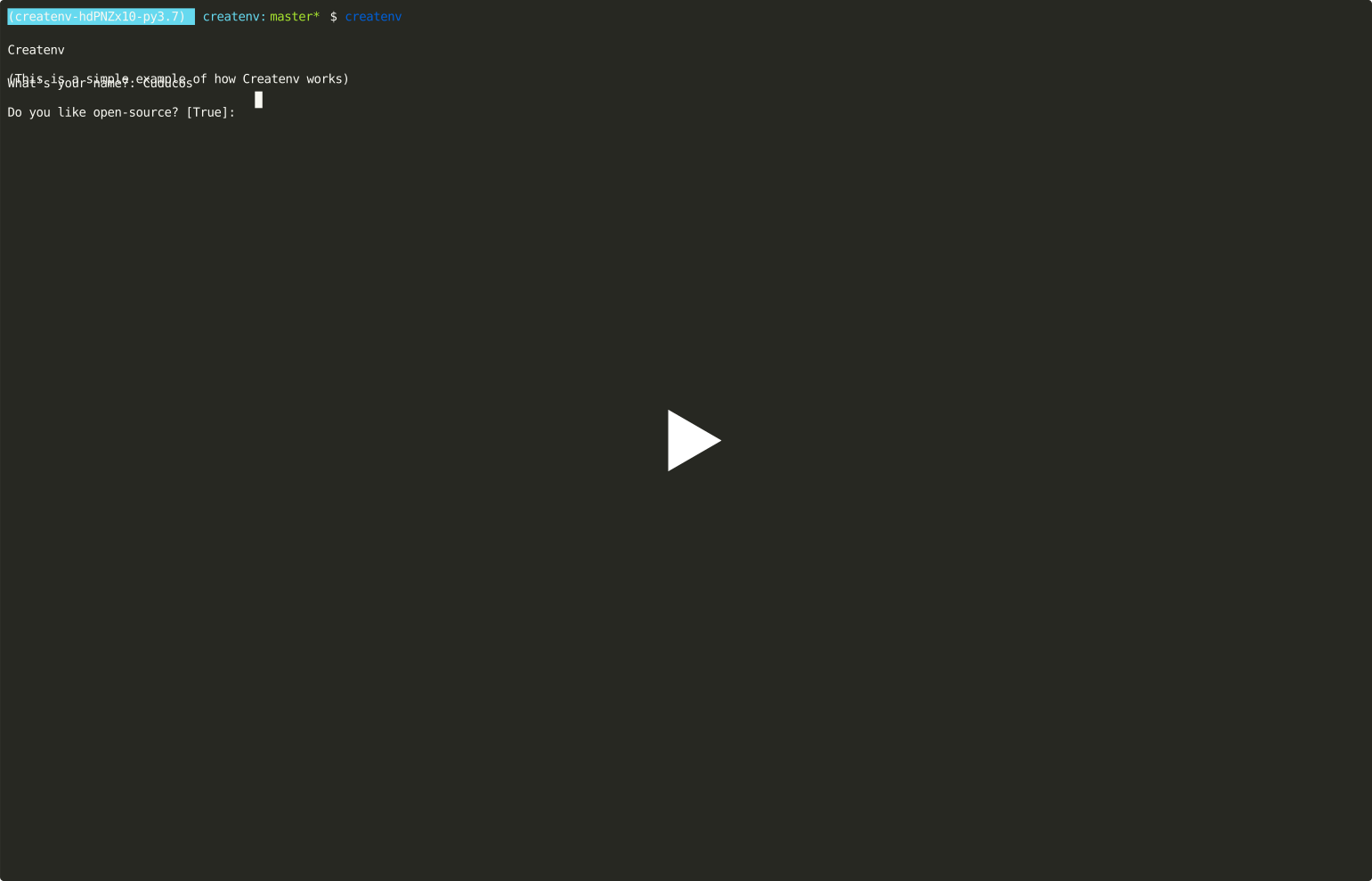](https://asciinema.org/a/311482)
You can now experiment by yourself, or try more advanced `.env.sample` such as the `tests/.env.sample` or [Bot Followers's `.env.sample`]
## Install
Createnv requires [Python](https://python.org) 3.7 or newer:
```console
$ pip install createnv
```
## Usage
To use the default values (reads the sample from `.env.sample` and write the result into `.env`):
```console
$ createnv
```
### Options
| Option | Default | Description |
|---|---|---|
| `--target` | `.env` | File to write the result |
| `--source` | `.env.sample` | File to use as a sample |
| `--overwrite` and `--no-overwrite` | `--no-overwrite` | Whether to ask before overwriting files
| `--use-default` or `--no-use-default` | `--no-use-default` | Whether to ask for input on fields that have a default value set |
| `--chars-for-random-string` | All ASCII letters, numbers and a few extra characters (`!@#$%^&*(-_=+)`) | Characters used to create random strings |
## Format of sample files
Createnv reads the sample file and separate lines in blocks, splitting at empty lines. It follows a few rules:
1. The first line is required to be a **title**
2. The second line might be a **description** or a **variable**
3. The remaining lines should be **variables**
### Title
The first line of the block should start with a `#` character, followed by a space. The title value is the remaining text after the `#` and space.
#### Example
```
# Hell Yeah!
```
In this case, the title is _Hell yeah!_ (not _# Hell yeah!_).
### Description (_optional_)
If the second line follows the syntax of a _title_ line, it's text (without the `# `) is considered a _description_ and is used to give more information to the user about the variables from this block.
### Variables
There are three types of variables:
#### Regular
Each block might one or more variable lines. The syntax requires a _name of variable_ using only capital letters, numbers, or underscore, followed by an equal sign.
What comes after the equal sign is _optional_. This text is considered the default value of this variable.
The human description of this variable is also _optional_. You can create one by placing a comment at the end of the line. That is to say, any text after a sequence of **two spaces, followed by the `#` sign and one extra space**, is the human description of that variable.
##### Example
```
NAME=
```
This is a valid variable line. It has a name (_NAME_), no default value, and no human description. We can add a default value:
```
NAME=Cuducos
```
This is still a valid variable line. It has a name(_NAME_), and a default value (_Cuducos_). Yet, we can add a human description:
```
NAME=Cuducos # What is your name?
```
Now it's a complete variable with a name (_NAME_), a default value (_Cuducos_), and a human description (_What is your name?_)
#### Random values
If you want to have a variable with a random value, you can set its default value to `<random>` and Createnv will take care of it. Optionally you can specify how long this variable should be with `:int`.
You can use the [`--chars-for-random-string` option](#options) to specify which characters to be used in the random value.
##### Example
```
SECRET_KEY=<random>
TOKEN=<random:32>
```
The first line will create a `SECRET_VALUE` with random characters and random length between 64 and 128 chars.
The second line will create a `TOKEN` with random value and with exactly 32 characters.
#### Auto generated
Finally, you can combine existing variables _within the same block_ to create a new variable (without prompting your user to combine them), the syntax is similar to f-strings in Python..
##### Example
```
NAME= # What is your name?
PERIOD= # Is it morning, afternoon, or evening?
GREETING=Good {PERIOD}, {NAME}!
```
In this case, Createnv only asks the user for `NAME` and `PERIOD`, and creates `GREETING` automagically.




